
DfE Network Switching Standards: What UK Schools Need to Know Before 2030
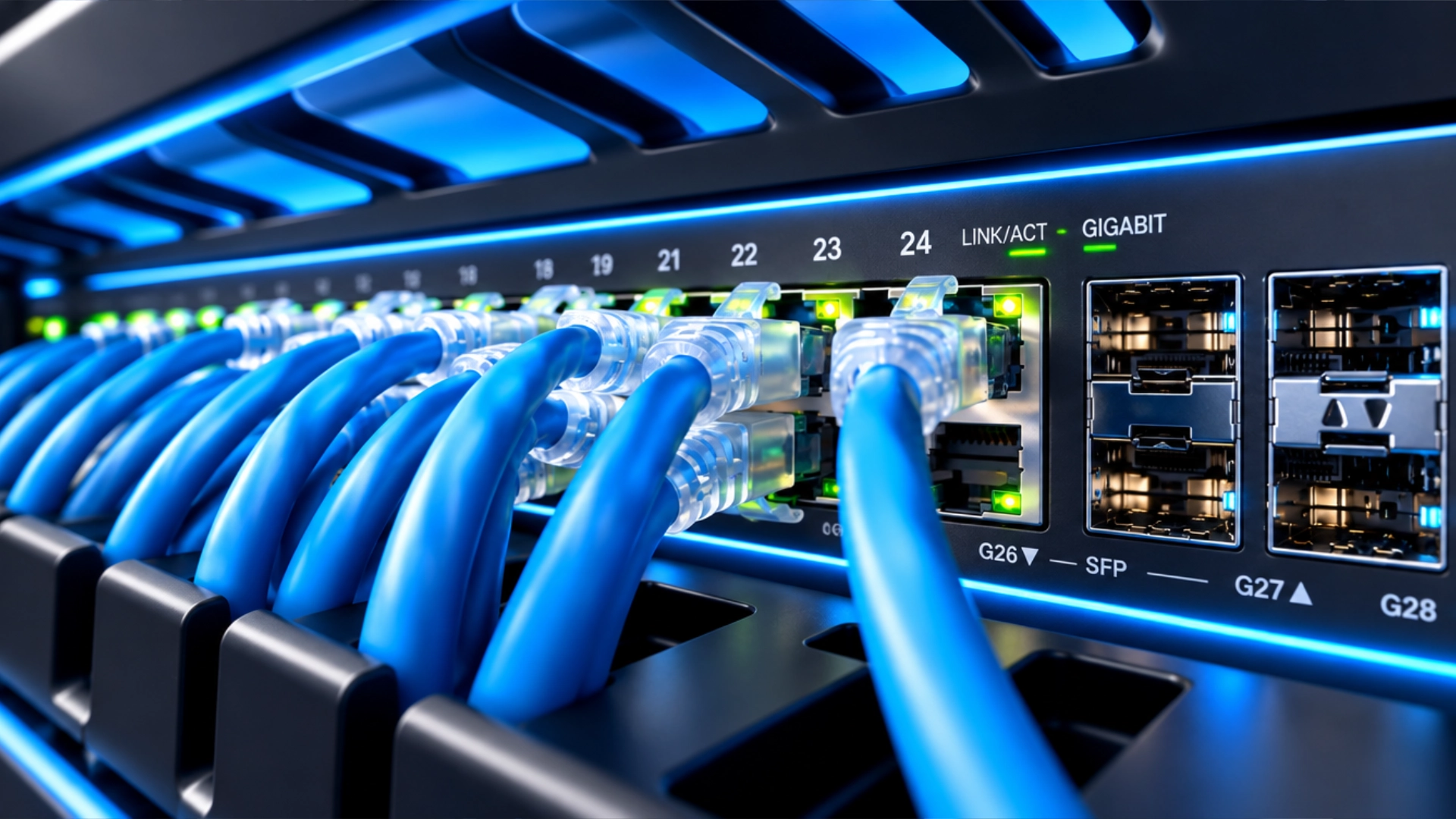
DfE Network Switching Standards: Is Your School's IT Infrastructure Ready?
Your school's network is the foundation of almost everything that happens digitally, from classroom technology and online learning to safeguarding systems, staff administration and access to essential data.
But what happens when your network switches are outdated, your connections cannot handle demand, or a single power failure brings your entire network to a standstill?
The Department for Education (DfE) has published digital and technology standards to help schools and colleges build reliable, secure and resilient IT infrastructure. Among these is the Network Switching: Core Standard, which schools and colleges should be working towards meeting by 2030.
This isn't simply about buying newer switches. It's about ensuring your network can support modern teaching, protect sensitive information and remain operational when problems occur.
The good news: schools that assess their existing infrastructure early can plan upgrades around their needs and budgets, rather than waiting until equipment fails or becomes unsupported.
What Is the DfE Network Switching Standard?
The Network Switching: Core Standard forms part of the DfE's wider guidance on meeting digital and technology standards in schools and colleges.
Network switches connect computers, wireless access points, servers, printers, CCTV and other equipment, allowing devices to communicate across the school's network.
The DfE standard focuses on four important areas:
Performance and reliability: Providing fast, dependable connections for users and devices.
Central management: Allowing IT teams to monitor, configure and manage network switches efficiently.
Security: Preventing unauthorised access and protecting school systems and data.
Resilience: Reducing the impact of power failures and individual equipment faults.
Schools should work towards meeting the core standards by 2030. The DfE advises addressing network switching requirements when replacing equipment that is underperforming or unsupported, or when carrying out relevant maintenance and configuration reviews.
You can read the official guidance on the DfE Network Switching: Core Standard.
Why Schools Need to Review Their Network Infrastructure Now
For many schools, network infrastructure is something that receives attention only when something goes wrong.
Slow connections, unreliable Wi-Fi, ageing switches and recurring network faults can gradually affect everyday operations. As schools introduce more connected devices and digital learning tools, an infrastructure that once seemed adequate may struggle to keep up.
Reviewing your network before a major failure gives your school three important advantages:
Time to plan upgrades: Identify outdated equipment and prioritise improvements according to need.
Better budget control: Compare suitable solutions and plan expenditure rather than facing unexpected replacement costs.
Reduced disruption: Improve reliability and resilience before network problems interfere with teaching or administration.
Waiting until equipment fails can leave schools facing urgent purchasing decisions, limited options and avoidable disruption.
What Does the DfE Standard Require?
The DfE guidance sets out specific expectations for network switching infrastructure. Schools should review these requirements with their IT support provider or network supplier.
1. Fast and Reliable Network Connections
The DfE states that switches should provide a minimum of 1Gbps connectivity to desktop user devices.
Higher-speed, multi-gigabit ports should also be available where required by equipment that needs greater bandwidth, including servers, media devices and wireless access points.
Other technical expectations include:
Support for 40Gbps interconnects between stacked switches, where switches are stacked.
A minimum of two 10Gbps connections between hub-room switches or switch stacks and the core server room, using different routes where possible.
At least 512MB of core memory.
Support for at least 16,000 concurrent MAC addresses.
Appropriate spanning tree protocols and non-blocking switch fabric.
Power supplied to connected equipment, such as wireless access points, CCTV, access-control systems and telephones, must also meet the manufacturer's requirements.
These specifications help schools assess whether their switching infrastructure is suitable for their current environment and future needs.
2. Central Network Management
Managing multiple switches individually can make it harder to identify faults, maintain consistent configurations and monitor network performance.
The DfE standard calls for a central management tool that allows the school or its IT support provider to:
Configure core and edge switches.
Monitor network performance.
Receive alerts when failures occur.
Manage the switching infrastructure efficiently.
Switches should also have manufacturer warranties and support arrangements covering licences, software enhancements and firmware updates for at least five years.
Equipment that can no longer receive firmware and security updates should be replaced. The standard also calls for manufacturer-approved, on-site administrator training appropriate to the size and complexity of the solution.
3. Network Security and Access Control
A school's network may carry sensitive pupil information, staff records, administrative data and communications.
Without appropriate security controls, unauthorised users could gain access to systems or information they should not be able to reach.
The DfE standard recommends that schools ensure their switching infrastructure supports:
Network segregation to separate different types of users and devices.
Network access controls (NAC) and policy management.
Secure authentication for authorised mobile devices and guest users.
Protection against unauthorised interception of network traffic.
Secure, documented administrative accounts.
Timely software updates, with automatic updates where available and additional manual checks.
Central monitoring and alerts to help identify network faults.
A well-configured network can help reduce the risk of unauthorised access while allowing staff, pupils, visitors and connected equipment to use the services they need.
Network switching should also be reviewed alongside the school's wider cyber security, wireless network and safeguarding arrangements.
4. Power Protection and Network Resilience
A network outage can affect much more than internet access. It may interrupt classroom activities, administrative systems, connected devices and other essential services.
The DfE standard highlights the importance of protecting critical core switches against power failures and individual equipment faults.
Critical core switches should have:
Two power supplies.
Two management modules.
Two connections to other critical infrastructure, such as routers, servers and other core switches.
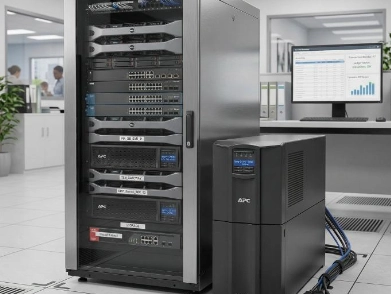
Connection to at least one uninterruptible power supply (UPS).
Schools should also identify critical connections and consider redundant links and other measures to reduce the risk of a single failure causing a major outage.
These measures can help keep essential network infrastructure operating during certain faults and power interruptions, depending on the wider system design.
What Are the Risks of Leaving Your School Network Unchecked?
An ageing or poorly configured network can create problems that extend beyond slow internet access.
Disruption to teaching: Staff may struggle to access online resources, classroom applications and connected learning devices.
Security vulnerabilities: Unsupported equipment may no longer receive the firmware or security updates needed to address known vulnerabilities.
Unauthorised access: Inadequate network segregation and access controls can increase the risk of users reaching systems or data they should not access.
Unexpected costs: Emergency replacements and reactive repairs can make IT budgets harder to manage.
Single points of failure: A failed switch, power supply or network connection could disrupt a larger part of the school than necessary.
Limited visibility: Without central monitoring, identifying the cause of recurring faults may take longer.
These risks are not inevitable, but they underline why network infrastructure should be assessed as part of a school's wider digital strategy.
What Should Your School Do Now?
You do not necessarily need to replace every network switch immediately. The right starting point is to understand what you already have and identify any gaps against the DfE guidance.
Your school should consider the following questions:
Are our current switches performing reliably under normal teaching and administrative workloads?
Do our switches provide the required connectivity speeds for connected devices?
Can our IT support team centrally monitor and manage the switching infrastructure?
Are any switches unsupported or no longer receiving firmware and security updates?
Is network access properly controlled, with appropriate segregation for staff, pupils, guests and connected devices?
Are critical switches protected by a UPS?
Do critical network connections have appropriate redundancy?
Is our existing cabling capable of supporting the network's required performance?
Do we have a documented plan for network maintenance, replacement and future upgrades?
Once you have established the current position, your school can prioritise improvements, plan costs and work with a suitable IT support provider to develop a realistic upgrade strategy.
Why Network Cabling Matters Just as Much
Upgrading network switches alone may not deliver the expected results if the cabling connecting your infrastructure is unsuitable.
The DfE identifies network cabling as a dependency of the Network Switching: Core Standard. Poor-quality or insufficiently specified cabling can affect network performance, even when newer switches are installed.
Schools should therefore assess their cabling alongside their switches, particularly when planning infrastructure upgrades or improving wireless connectivity.
The DfE's separate Network Cabling guidance provides further information about cabling specifications, installation and testing.
Taking a joined-up approach can help schools avoid investing in new equipment only to discover that another part of the network limits its performance.
How Voktis Can Help Your School Prepare
Reviewing network switching requirements can be complicated, particularly when schools have a mixture of older equipment, multiple buildings, wireless access points and connected classroom technology.
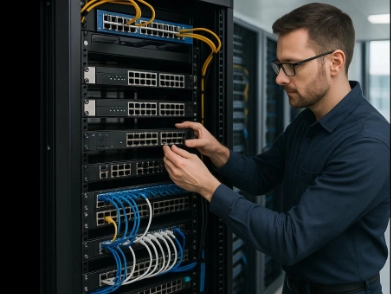
At Voktis, we support schools with IT infrastructure, network services and ongoing technical support. We can help your school understand its current setup, identify areas for improvement and plan practical next steps towards the DfE's digital and technology standards.
Our team can help with:
Network infrastructure assessments: Review existing switches, connections and infrastructure to identify potential gaps and performance concerns.
Network switch upgrades: Help identify suitable switching equipment based on your school's requirements.
Network design and connectivity: Review how switches, cabling, servers and wireless access points work together.
Network security: Help improve access controls, network segregation and configuration security.
Network monitoring and management: Support visibility of network performance and the identification of potential faults.
Resilience planning: Review UPS protection, critical connections and potential single points of failure.
Ongoing IT support: Help maintain your school's technology and address issues as they arise.
We can also help your school consider network switching alongside wider DfE priorities, including broadband, wireless connectivity and cyber security.
Explore our School IT Support and Network Design services to learn more about how Voktis supports education environments.
Not sure where to start? A review of your existing network infrastructure can help establish what needs attention first and provide a clearer basis for planning future investment.
Final Thoughts on the DfE Network Switching Standard
The DfE Network Switching: Core Standard is about more than upgrading hardware. It is about building a reliable, secure and resilient network that supports teaching, learning and the daily operation of a school.
With schools and colleges working towards meeting the six core digital and technology standards by 2030, reviewing existing infrastructure is a practical step towards understanding what improvements may be needed.
Schools do not need to wait for an outage or an unsupported switch to force a decision. By assessing network performance, security, management and resilience early, they can plan improvements around their operational needs and available budgets.
Ready to review your school's network infrastructure? Get in touch with Voktis to discuss your current setup, identify potential areas for improvement and plan your next steps towards meeting the DfE network switching guidance.
FAQs
What is the DfE Network Switching: Core Standard?
It is part of the Department for Education's digital and technology standards for schools and colleges. It covers network performance, central management, security and resilience, helping schools maintain reliable infrastructure for connected devices and digital services.
When should schools meet the DfE Network Switching Standard?
Schools and colleges should be working towards meeting the six core digital and technology standards by 2030. For network switching, the DfE advises meeting the standard when replacing underperforming or unsupported equipment and when carrying out relevant maintenance or configuration reviews.
What network speed does the DfE recommend for desktop devices?
The network switching guidance specifies a minimum of 1Gbps connectivity to desktop user devices. Higher-speed ports should be considered for equipment requiring additional bandwidth.
Does the DfE require schools to replace all their network switches immediately?
The guidance does not say that every switch must be replaced immediately. Schools should assess their existing infrastructure and address requirements when replacing equipment that is underperforming or unsupported, or during relevant maintenance and configuration reviews. Equipment that can no longer receive firmware and security updates should be replaced.
Why is central network management important for schools?
Central management allows IT teams to configure switches, monitor performance and receive alerts when failures occur. It can make network administration more efficient and help teams identify problems more quickly.

